
How to get Started with SnipeSocial
All you need to get started with SnipeSocial is four weeks. After four weeks of active engagement on SnipeSocial you will have had enough time to complete your profile, learn how to take advantage of a chronological feed, publish your first posts and most importantly start some real conversations.
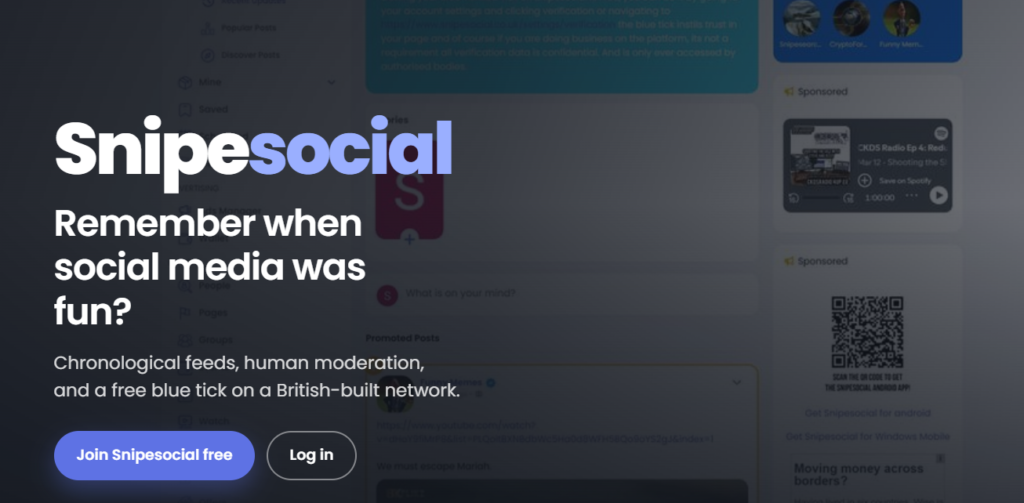
What to do Each Week
In week one you’ll sign up, get your profile organized and identify a couple niches where your content would fit into the narrative. Then, in week two, once you understand the basics of how people engage on SnipeSocial, it will be time for you to start publishing your own content on your profile. SnipeSocial only shows you content you actively choose to follow, after getting the hang of publishing in week two, it’ll be time to start sharing your content on relevant Pages, Groups, Events, videos, or commerce features in week three. By week four, you’ll start to see some evidence of what’s working, and what’s not, focus on the things you are doing that work. From now on, all you need to do is notice what works and do more of that.
- Week one: account setup
- Week two: publish to your profile
- Week three: publish to shared spaces
- Week four and onward: review and adapt
Judge the month by the usefulness of your interactions. SnipeSocial is a place where you grow gradually from consistent effort and engagement.
End each week after the fourth by deciding which actions were most useful during the week. Focus on the formats and communities that produced meaningful interactions and cut out the distractions to build a sustainable routine.
Put it into practice
A rhythm that suits most SnipeSocial adapters is to have completed their profile, posted ten useful posts, and twenty thoughtful replies over the course of the first four weeks.
To keep yourself motivated, write down what happened, including any question, reply, sale, or insight. That small record gives you something you can use when deciding what to do next. If you notice some missing details, edit your posts to add them in before adding more. It is more likely that new users will see your old posts on Snipe than on other social networks because the feed is chronological and only shows you what the people you follow have posted. If you are the only person a new user is following, they will see everything you have ever posted in chronological order, so you want your story to be consistent.
Next steps
If you want help growing your site and online presence, check out our marketing packages in the shop. Or let us answer your questions directly by Contacting us to let us know what you’re building and what you would like to get from SnipeSocial.
For a deeper platform walkthrough, you can get the SnipeSocial User Guide & Handbook. It’s available in ebook format through Kindle, or in print through Amazon ( links below ).
The handbook follows the platform from account setup and chronological feeds through Pages, Groups, Events, Marketplace, Wallet, promotion, safety, and the wider Snipe ecosystem. It’ll guide you on your journey to increase your brand awareness with Snipe.. The examples can also help you translate unfamiliar controls into a sensible routine for your own project.